Spanish
  French
  German
  Simplified Chinese
 Creating New G-Code Files
Creating a new file can be done in one of two ways
- Press the New button in the F6 screen

or
- Press F2 to go to the F2 - Program & MDI screen, press CTRL + N to open a new file name window.
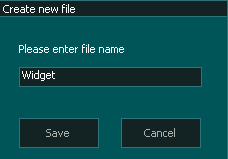
- Enter the file name and press Save.
- There is no need to add the .nc to the filename as MASSO will automatically add this for you.
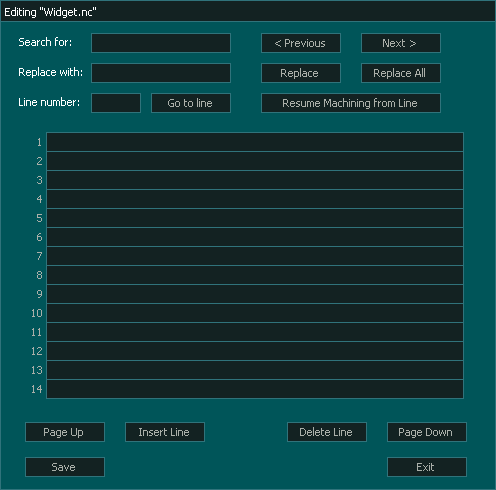
- The Editing window will open and you can write your new program.