


 Spanish
  French
  German
  Simplified Chinese
 Camera
- Tool 118
- To change to Camera issue a T118 M06 command in MDI and include this in your Gcode file to ensure that it changes to the correct screen if you run a Gcode file
- A TTL output is provided to turn on the Camera light and can also be used to turn on the camera if it has the capability.
- MASSO camera is used with a camera and external screen to provide axis alignment.
- The camera does not connect directly into MASSO and does not show an image on its screen.
- This tool allows you to align the X & Y axis using a camera mounted the the Z axis which can be used for focusing the camera.
- Once in your chosen location you can view your target, read or Zero the axis coordinates as needed.

Assign Camera Light output
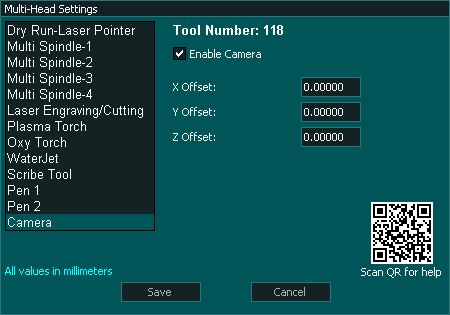
Multi-Head Setting
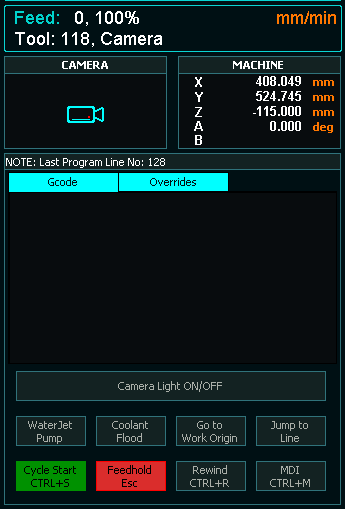
F2 Screen

